
Camera, drone and building software
Polargate builds the software layer over third party systems, and we are publishing that layer for equipment somebody else made: cameras, sensors, access control, climate, lighting and the data a drone flight leaves behind. The part we would build here takes an event, puts it in the right queue, sets the alarm off on the phone of whoever is on shift, keeps a record of what each person saw and when, and decides in the database who is allowed to see it. That mechanism is proven on guest requests and on tasks, not yet on devices. The hardware, the installation and the manufacturer licences are supplied by you or by your integrator, in your name. We publish this as a new capability, the way we published our voice agents. What is already in production on other Polargate projects is the operations panel with a queue per department and the alarm on the phone of whoever is on shift, the scheduled connector reading a third party system, roles resolved in the database with an immutable audit log, photo capture inside a real field process in a mobile first web application, and native apps published in both stores on a separate project. What we have never done is watch a camera, a sensor or a controller, and we have not delivered a camera, drone or building automation project yet.
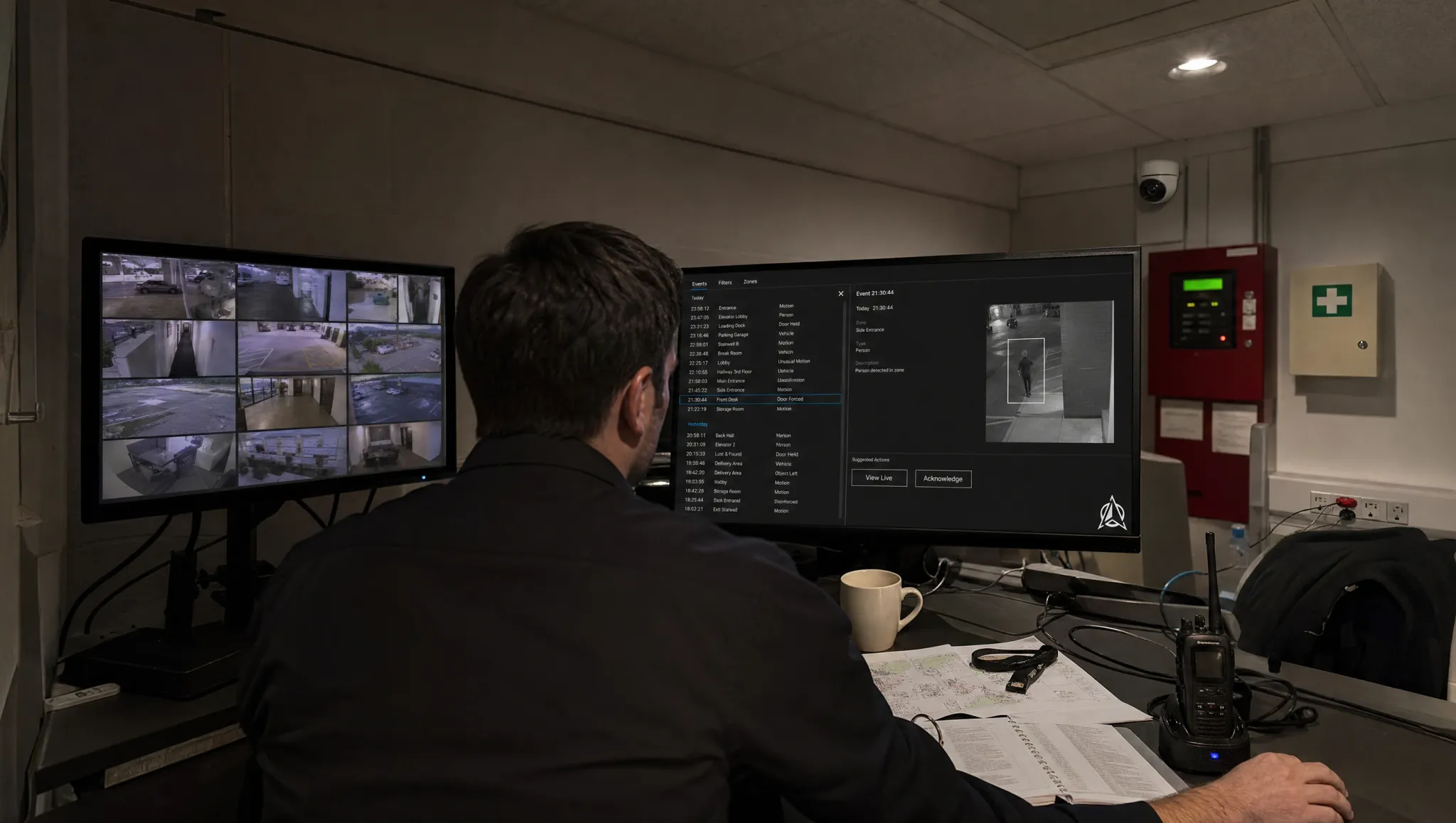
What changes in this terrain
A hotel, an office building or an industrial site buys cameras, sensors, access control, climate and lighting, often from different suppliers, and often hires drone flights on top. Each of those systems arrives with its own console, and each console was designed to manage its own devices, not to run your operation.
What tends to be missing is the same thing every time: one screen where an event lands in the right queue, a phone that rings for whoever is on shift, a record of who saw what and when, and a warning when a device stops reporting. If the consoles you already own cover every system you have and every person who has to act, you do not need this page.
Before you read any further, here is where the evidence stops. This capability is new. We have not delivered a camera, drone or building automation project, and we are publishing it the way we published our voice agents: a capability we declare, with no case behind it yet. What we do have is the pieces this work is made of, each already in production on other projects: scheduled connectors reading a third party system, an operations panel with a queue per department and the alarm sounding on the phones of whoever is on shift, photo capture inside a real field process, in a mobile first web application, native apps published in both stores on a separate project, roles resolved in the database, and an immutable audit log written by a database trigger. Those pieces have never been assembled into a camera, drone or building project, and watching a device is not among them. If what you need is a supplier with a portfolio of installed sites, that is not us, and we would rather write it here than say it at the kickoff.
What we build
The panel where the event lands
One place for what happens in the building, with a queue per department, an owner per item and a closing state. In the operations platform we run for a Caribbean convention resort, every department, security included, sees its own queue, takes ownership and closes with a state, with the alarm sounding on the phones of whoever is on shift. The figures published on that project's own page are guest requests, not device events: around 2,500 of them in four months, a median first response of 3 minutes and a median resolution of 16 minutes. We quote them as evidence that the queue, the shift and the alarm work, not as sensor traffic.
The connector to the system you already have
Read on a schedule and written into your own database. Our Opera Cloud connector, on a hotel PMS, has been in production for months and syncs every five minutes. In another project the sync runs every thirty minutes. Scheduled jobs and webhooks with idempotency keys, retries and replay protection, so a repeated call is recognised as a repeat instead of being written twice, and an auditable log of every sync: what ran, what changed, what failed. Pointing that same mechanism at a camera, a controller or a building system is the part we have not done, and the Discovery Sprint is where we find out what yours actually exposes.
The alert when a source goes quiet
What exists today is the auditable log of every sync, what ran, what changed and what failed, plus a task engine that sends each department its own email every working day. The alert itself, firing when a source stops sending, when a credential expires or when a provider changes an endpoint, and reaching whoever is on the rota, is something we would build here and not something we have running. We have never watched the heartbeat of a camera, a sensor or a controller either, so pointing it at devices would be the first time. We expect the mechanism to transfer, because a device that has stopped reporting is a source that has stopped sending, but that is our engineering judgement and not something we have run. A camera that stopped reporting three days ago will not tell you itself, and the day you need the footage is the wrong day to find out.
The app your people carry
The evidence for the field flow is web. In the refurbishment system we built for a construction company, a mobile first web application, material reception is checked line by line and a mismatch creates an incident with a photo automatically. The native capability is real too, but it comes from a different project and without that flow: for a festival client in the 2026 season, an Android app live in 177 countries and an iOS app relaunched, with push fixed at the native layer by adding the two methods missing from the AppDelegate. That is device level work, not a browser wrapper. Putting the two together, a native app with the camera as a surface we write ourselves so that a finding becomes an incident with a photo attached at the moment it happens, is what we would build here, and it is not something we have shipped as one piece.
Who can see what
Roles resolved in the database and not in the interface, row level security enabled and forced, an immutable audit log written by a database trigger with an admin only audit viewer, and sign in with the Microsoft account (Entra ID) where the organisation runs on Microsoft 365. Two different clients show the two ends of it: a corporate employee portal, whose August 2026 diagnostic showed more than 10,000 employees synchronised from Microsoft 365, on 39 tables with row level security, and a construction management system on 23 tables, with row level security forced on all 23. Applied to this terrain, that is what lets you say that this contractor sees only the third floor, that the night shift sees only its own queue, and that every change left a trace.
What we integrate with
The hardware, the installation and the manufacturer licences are yours, bought from whoever you choose and held in your name, and we think that is the right way round. We take no reseller margin from any manufacturer, so no equipment gets specified on your site because it suits us. The logic runs in your own Supabase project, the repository is in your name, and if you change camera brand in three years the layer above it does not have to be bought again.
We publish no list of supported protocols, and we do not promise to integrate with anything. What we do is read the documentation of the systems you own, test them on the real equipment during the Discovery Sprint, and tell you in writing what can be read, what can be written and what cannot. Listing acronyms we have not driven in production would be asking for a disappointment three months into the project.
If your equipment only speaks to its own closed console, you will hear that before you sign, not after.
What we do not do
- Manufacture, design, assemble or sell hardware. No cameras, drones, sensors, gateways, controllers or firmware of our own.
- Install, cable or commission anything on site, and no field maintenance. Your installer or your integrator does that.
- Operate drones. No operator registration, no pilots, no flight insurance, no flight hours.
- Video analytics or biometrics: no person detection, no counting, no plate reading, no facial recognition.
- 24/7 monitoring, a control room or an operator on duty. Our Care retainer is maintenance hours, not a manned desk.
- Continuous camera use or background sensors inside an app. Our own mobile page says that is where fully native earns its cost, and we are not going to contradict it to win a project.
- Certifications and accreditations. We hold none, and we are not going to imply otherwise.
How a project starts
With a Discovery Sprint, fixed price from 4,900 EUR: what equipment you have, what each system actually exposes, tested on the real thing and not on its brochure, which events matter, who has to see them, and what has to stay on record. It produces a written scope, and the honest verdict is sometimes that software is not your bottleneck.
The first build phase is a fixed price from 12,000 EUR, and once it is live the Care retainer starts at 850 EUR per month. There is no price per camera and no price per device, because we do not sell devices.
Questions, answered
Does Polargate do this, or does the camera manufacturer already do it?
Do you install the cameras and the sensors, and who buys the licences?
Can it detect people, read number plates or recognise faces?
Do you operate drones?
Have you done this before, and what does it cost?
Start the engine
Tell us what you are building in a few short questions. A senior engineer answers in writing within 48 business hours, with a first take on scope, timeline and price.